Cook mode: one step at a time
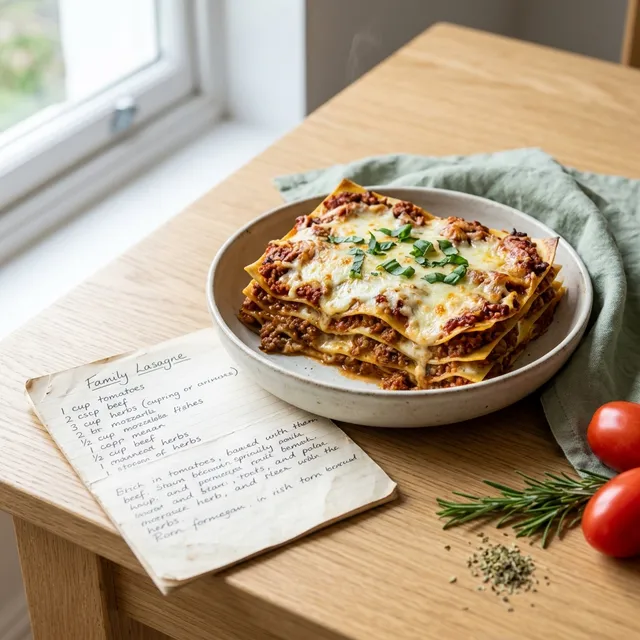
Think about the last time you cooked from a recipe on your phone. You probably scrolled up to check how much butter, scrolled down to find where you were, tapped the screen with a floury knuckle to stop it going dark, and lost your place at least once. None of that is cooking. It's managing a document while cooking.
Cook mode is our answer to that. It's a simple idea: show one step at a time, show it big, and keep everything else out of the way.
Why one step at a time works
A recipe page is designed for reading, not for doing. It's great for deciding whether you want to make something, and for getting a feel for the whole dish. But once the pan is hot, you only need to know two things: what to do now, and what you need to do it.
Showing one step at a time has a few quiet benefits:
- You don't lose your place. The step on screen is the step you're on.
- You read each step properly. It's harder to skip a line when it's the only thing in front of you.
- It's calmer. A long list of steps can feel like a lot. One clear instruction rarely does.
What you see on each step
Each step in cook mode shows:
- The instruction, in big, clear text, readable from across the counter.
- The ingredients for this step only, with amounts, so you're not scrolling back up to the list.
- Settings when they matter: for Thermomix owners, the time, temperature and speed for that step.
- A timer, when the step has a time in it.
When you're done, move to the next step. If you need to look back, the previous step is one tap away.
Timers that don't get in the way
Timers are where cooking from a phone usually falls apart. You start one, the screen locks, and you're not sure whether it's still counting.
In Mixly's cook mode, timers keep running when you lock your phone, so you can put it down and get on with the next thing. Meanwhile, the screen stays on while you're on a step, so you don't have to tap it with messy hands just to keep it awake.
A few habits that make cook mode even better
Cook mode helps most when you pair it with a couple of old kitchen habits:
- Read the whole recipe once before you start. Cook mode is for doing, but a quick read-through tells you if something needs to marinate, rest or preheat.
- Get your ingredients out first. Even a rough gathering of what's needed saves a dash to the cupboard in the middle of a step.
- Clean as you go. Steps with a timer are a good moment to rinse a board or put things away.
- Trust your senses. Timings are a guide. If the onions aren't soft yet, give them a little longer. Always check that meat, fish and eggs are properly cooked.
Cooking for someone else
Cook mode also works for recipes your friends share with you. When a friend sends you a link to one of their recipes, you can open it and cook it step by step right away, even if you don't have a Mixly account yet. It's a nice way to pass on a dish: not just the list of ingredients, but the way to make it.
After you've cooked
When you finish, Mixly keeps a record in Cooked, your history of what you've made. You can rate the recipe, leave a note for next time, and, if it was a draft the assistant wrote for you, save it to your recipe book.
That history turns out to be surprisingly useful. It answers questions like "what was that soup we had last month?" and quietly builds a list of the dishes that really work in your kitchen.
On the web and on iPhone
Cook mode works in the Mixly iPhone app and in any browser at getmixly.com. Use whichever is closest to the stove.
Try it with something simple
The best first recipe for cook mode is one you almost know by heart, like a soup, an omelette or a simple pasta sauce. You'll notice the difference less in what you cook and more in how it feels: fewer glances at the screen, fewer lost places, and a bit more attention for the food itself.